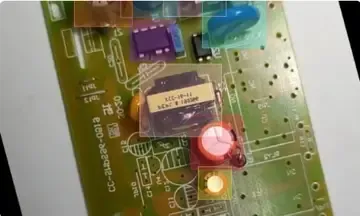
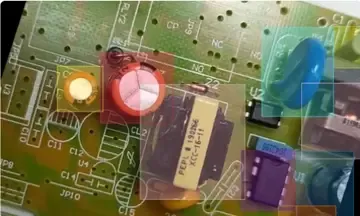
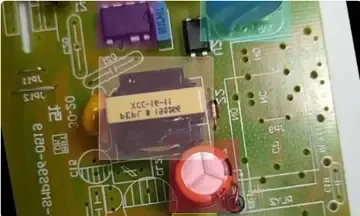
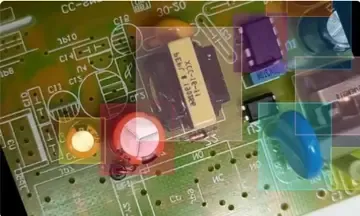
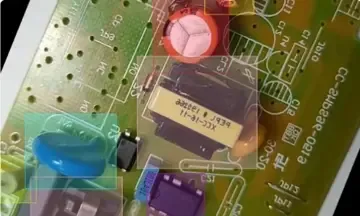
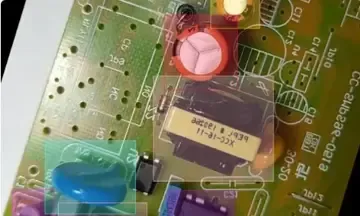
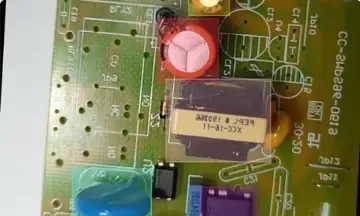
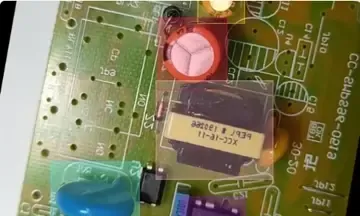
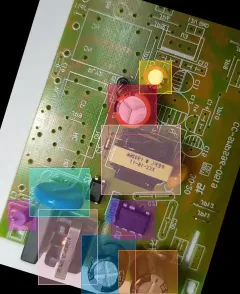
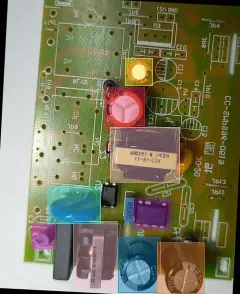
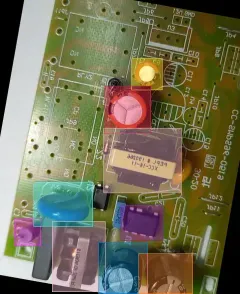
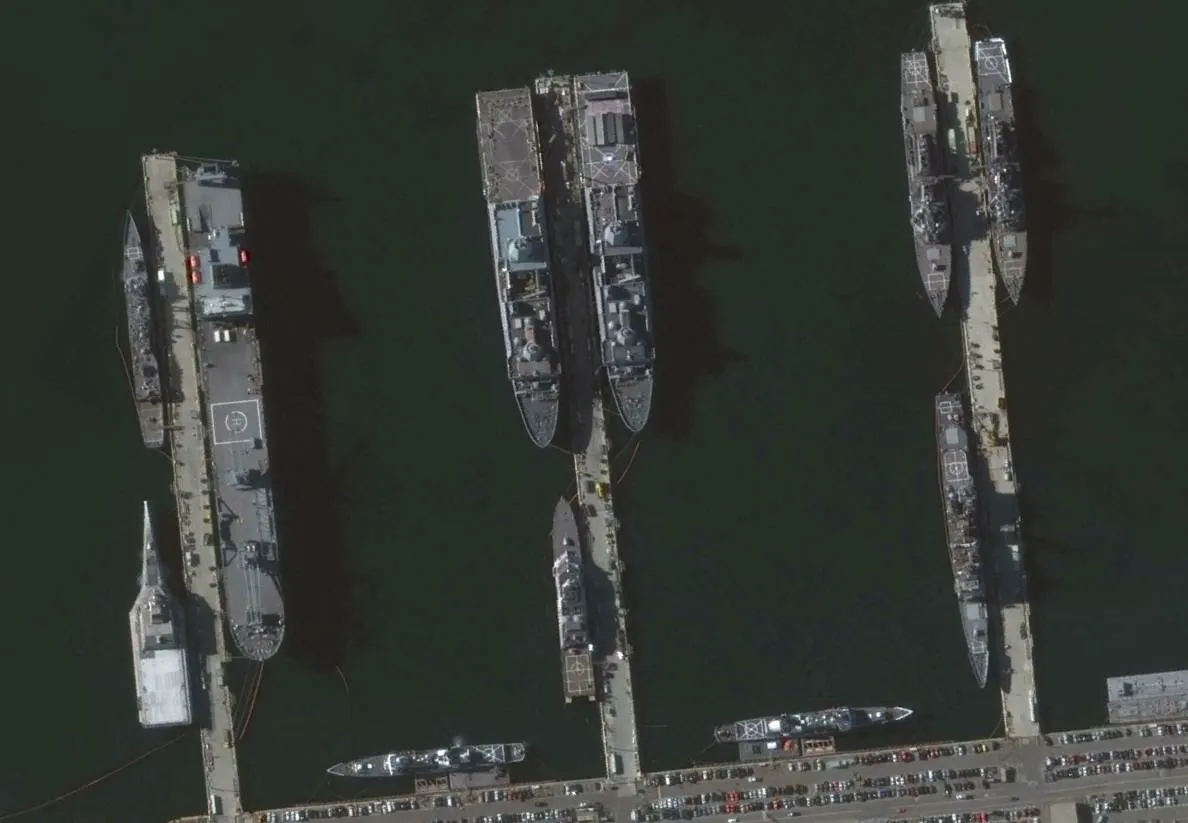
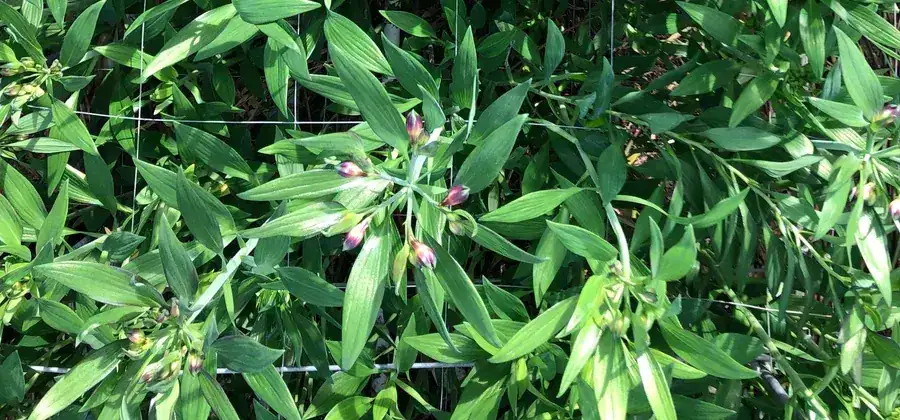
Detections
Infrastructure for Physical AI
Connect data, models, human input and compute in one executable graph. Build from ready nodes, or describe your workflow to an AI agent.








Curate datasets, organize human labeling, train models, understand where they fail, compare alternatives and put the result into production.
Data Curation
Profile dataset quality, catch outliers and label errors, explore embeddings, and version every result.
Explore data curationAI-Powered Labeling
Label images, video and 3D point clouds with smart tools, custom review workflows and quality gates.
Explore labelingFrom foundational data operations to specialized filters and model workflows, the same nodes recombine into hundreds of project-specific pipelines.
Browse templates built from these nodesModel Training
Fine-tune on versioned datasets and trace every checkpoint back to the data, parameters and run that produced it.
Explore model trainingEvaluation & Deployment
Benchmark models on the same data, compare metrics side by side, and deploy the winner as an API endpoint.
Explore model evaluationReal projects are loops, branches, retries, experiments, human decisions and competing models — not a simple linear pipeline. A shared graph keeps the logic visible and executable.
Each run keeps its inputs, outputs, logs and artifacts.
Break large flows into subgraphs the team can operate and improve.
Connect existing tools, models, storage, and compute instead of replacing them.
Give engineers, operators, and stakeholders the same view of how work runs.
Let specialists inspect, run, and adjust workflows directly.
Label, train and review cycles are normal parts of a flow.
Turn recurring computer vision work into an operational process that survives new inputs and data drift. Automate the predictable steps, track every experiment and result, and bring people in only where judgment adds value.

Begin with a proven template or a request in AI Chat, reshape the workflow by hand or with the agent as project reality changes, and plug in the tools you already use.
Pick a ready template for dataset preparation, labeling, training, or evaluation, or describe the task and let the agent assemble the first draft.
Rewire steps, swap nodes, and tune inputs yourself, or ask the agent to make the change as requirements and edge cases emerge.
Connect your storage, models, and internal services through the API and SDK, so workflows run on the stack you already have.
def run_node(input):
  frames = input.images
  result = model(frames)
return resultKeep workflows observable, controlled, and connected as they move from an engineer’s first run into everyday operation across your organization.
Use our cloud, a dedicated instance, or your own infrastructure without changing how the team builds and operates workflows.
Control who can design, run, review, or administer workflows while keeping members, secrets, storage, and infrastructure settings organized by workspace.
See what is running, waiting, completed, or failed, then inspect progress, duration, logs, outputs, and errors in one place.
Follow a model, report, or export through the runs, dataset versions, annotations, parameters, and artifacts that produced it.
Bring in storage, labeling systems, proprietary models, webhooks, and internal services without rebuilding the surrounding stack.



For large teams
OvalBee gives computer vision teams the controls, deployment options, and hands-on support they need to run annotation workflows at scale.
Connect any SAML or OIDC provider, use roles, audit logs and encrypted secrets.
Run on our managed cloud, or self-host to meet any compliance requirements.
Connect existing data on AWS S3, Google Cloud or Azure without re-uploading.
Slack or Teams access for fast support, rollout questions, and hands-on onboarding.
Personalized training with experts who help build flows for your use case.
Custom invoicing, contracts, SLAs, and deep feature customization.
FAQ
OvalBee is a visual platform for building and operating complete computer vision workflows. Data preparation, labeling, training, evaluation, deployment, human review, and automation live in one executable graph. The graph is not documentation for work happening elsewhere: its nodes run real jobs and keep their inputs, outputs, logs, and artifacts.
Build repeatable processes for dataset curation, labeling and review, model training, evaluation, deployment, monitoring, and continuous improvement. Start from a template, combine ready-made nodes, or model a project-specific loop with schedules, branches, human decisions, and external services.
OvalBee does not require a rip-and-replace migration. It provides an executable graph for connecting data, labeling, models, evaluation, compute, and human review across the whole project. Keep specialized platforms and internal services where they already work, then connect them through ready nodes, storage integrations, APIs, or custom steps.
Use OvalBee Cloud as a managed service, or run OvalBee in your own cloud account, VPC, data center, or Kubernetes environment. Jobs can use managed compute, your own GPUs, or infrastructure close to the data. During the private beta, we help teams choose and configure the right deployment.
Yes. OvalBee Cloud has a Free plan with no credit card required. Access is still invite-only during the private beta, so request an invite and tell us what you want to build. A free self-hosted Community edition is also planned but is not yet available for download.
Start visually with templates and ready nodes, then change parameters, branches, schedules, and review steps. When the project needs something specific, connect internal services and proprietary models through the API and Python SDK or add custom code and integrations. During the private beta, we build and validate custom nodes together with your team.
Yes. Use AI Chat inside OvalBee, or connect an MCP client such as Claude Code or Codex to the OvalBee MCP server. Your agent can search the node library, build and change flows, inspect failures, and request node runs using the permissions of your workspace. Actions that execute or revert work still require approval.
OvalBee is designed to work with the stack you already have. Connect S3-compatible storage, Azure storage, filesystems, external labeling systems, and your own compute instead of moving everything into one proprietary environment. Import and export data, models, reports, and flow definitions, and self-host when infrastructure or data must remain under your control.
No. Build on the visual canvas from ready-made nodes, start from a template, or describe the workflow to the AI agent. Engineers can use code where it adds value, while annotators, reviewers, domain experts, and operators work with the same flow without maintaining scripts.
Join the leaders of tomorrow to future proof your documentation today
Signup for a free account in 5 minutes, no credit card
Coming soonSelf-hosted free and source-available version
Coming soon