

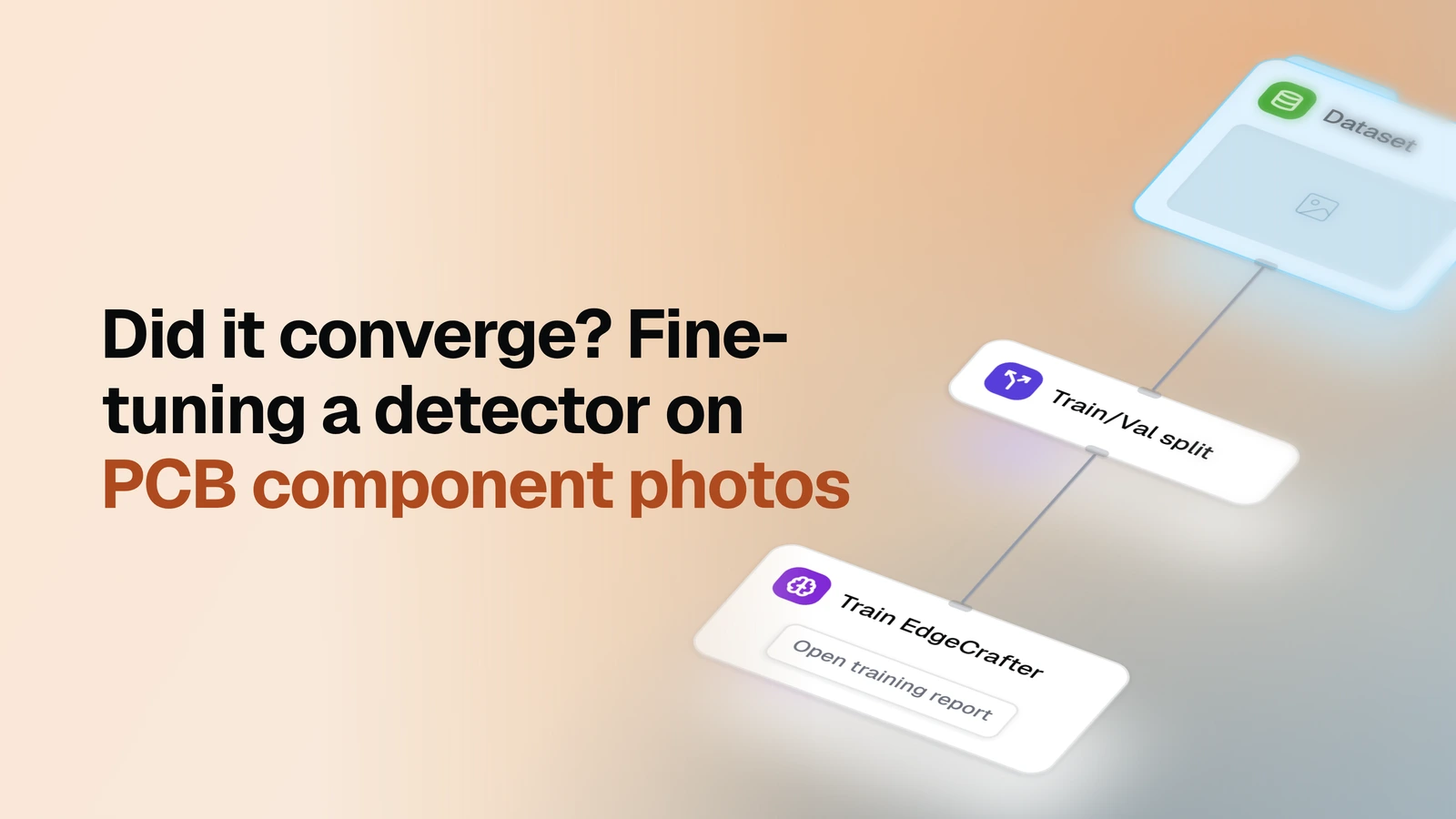
Train an EdgeCrafter detector on your own labeled images and get its accuracy measured on images it never saw during training.
Overview
- Model: EdgeCrafter detector (ECDet, a compact detector for edge devices) - fine-tuned here from a pre-trained checkpoint you pick
- Task: Object detection
- Input: A labeled image dataset with boxes and classes. No split needed: the template makes one.
- Pipeline: split into train / validation / test -> train -> predict on the test part -> evaluate
- Output: A trained detector registered as a model, a training report, and a full evaluation report on the held-out test part (mAP, AP50, AP75, precision, recall, F1, per-class breakdown, error analysis, prediction previews)
When you need it
This is the new version of the EdgeCrafter training template. The earlier one stopped after training and reported validation scores, which are a convergence check, not an independent result. This one carries the same model on to a held-out test part, so the number you get is the number to expect on new images, and you no longer need a second template to read it. Use it when you have labeled images and want your own EdgeCrafter model with a score you can defend.
What you need
A labeled image dataset in OvalBee, every object boxed and classed. If it is not there yet, bring it in with one of the import templates first. In the setup you pick the dataset and the pre-trained EdgeCrafter model to start from. Classes come from the dataset's own labels.
How it works
| Step | What happens |
|---|---|
| Split | Your dataset is divided 70 / 15 / 15 into training, validation and test images (the ratios can be changed). Earlier, a split was optional and there was no test part |
| Train | The detector is fine-tuned on the training images for 30 epochs; the validation images are scored every 5 epochs and the best checkpoint is kept |
| Predict | The trained detector runs on the test images only, keeping every box above a low confidence of 0.05 so the evaluation sees the whole score range |
| Evaluate | The predictions are scored against the test labels |
What a run gives you
The trained model, ready to use in other OvalBee templates, and two reports. The training report states what the run was given and what it cost. The evaluation report gives mAP (50:95), AP50, AP75, precision, recall and F1 at an automatically chosen confidence, a per-class table, a breakdown of the kinds of mistakes the model makes, a confusion matrix, a precision-recall curve, a calibration view, and the hardest images next to their labels, plus suspected annotation issues.
For scale: on a PCB component dataset (9 classes, about 1,400 images) a 30-epoch run took about sixteen minutes of training on one GPU and scored mAP 0.765 on its test part, against 0.755 on the validation part. A second run with a shorter learning-rate warm-up (500 instead of 2,000 iterations) on the same split scored 0.762, so the default stays. These are single runs; differences of a few thousandths are within noise. Each fresh run draws a new random split, so do not read this figure against the YOLO or DEIM templates' figures.
Two trainings sharing one GPU can run out of memory; run them one after another.
Related templates
- Train YOLO detector - the same chain with a YOLO detector
- Train DEIM detector - the same chain with a DEIM detector
- Detector evaluation - score a model you already have against a labeled set
- Detector comparison - compare ready-made detectors without training