

The task
This study takes a team that labels in Supervisely and hands the whole round to a labeling queue driven by one node. We have already shown the same idea built on labeling jobs in the labeling jobs study; here the work is handed out differently, and that is the whole point. The gain is that every annotator and every reviewer stays loaded: they take the next image the moment they are free, and nobody waits on anybody.
Difference between jobs and queues
Jobs hand out work in batches. A batch is assigned to an annotator, who owns it and works through it; the next batch is assembled after that one is submitted.
Queues hand out single images from one shared pool. An annotator takes the next image, submits it, takes the next. Everyone draws from the same pool, so a fast annotator simply takes more images and a slow one takes fewer — the load evens out on its own, and anyone who joins mid-round starts pulling straight away. Reviewers work the same pool the same way.
Both keep the labeling and the review inside Supervisely. What the flow automates is everything around it, and what it adds is a live view of where each image stands.
Where every image stands
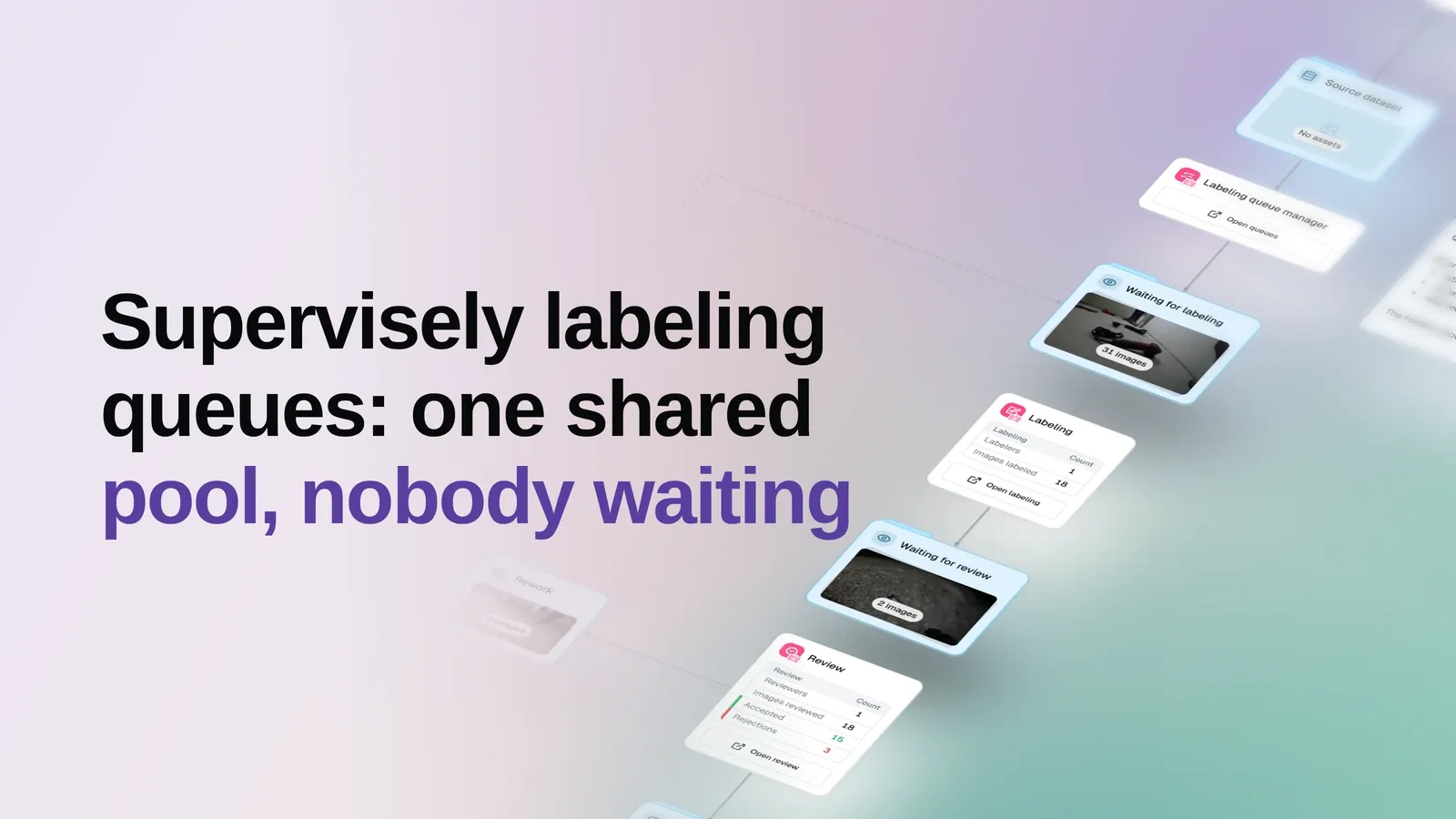
An image’s folder is its status. This is the round at the moment the example was published:
| Stage | Images |
|---|---|
| Waiting for labeling | 31 |
| Waiting for review | 2 |
| Rework | 3 |
| Accepted | 15 |
The images that are not in the table are the ones open on somebody’s screen right now. Those two stages — being labeled, being reviewed — are only ever between zero and the number of people working the queue, because a person holds exactly one image at a time. The numbers there shift every few minutes and mean nothing on their own.
Everything else is here, and the pool is the striking part: thirty-one images belong to nobody. Work is not distributed in advance, so there is nothing to plan, rebalance or undo. The queue decides who gets which image at the moment somebody is ready for the next one.
A rejection goes back to its author
Eighteen images have been through review so far: fifteen cleared it, three were sent back.
A rejected image returns to the person who labeled it. Nothing is re-cut and nothing is reassigned — it is simply theirs again, and it comes up as their next piece of work. Everyone else keeps pulling from the pool meanwhile.
Accepted work
Cleared images collect in the Accepted folder on the canvas. Click it in the live example to page through them with their annotations attached. The same images are in Supervisely too, in the project the queue runs in, so a team that wants to keep working with them there can.
Rejected work
Images the reviewer sends back land in the Rework folder, which you can open the same way to see what came back.
What this example shows
It shows how the work is organised, not how good the annotations are — quality is down to the people labeling and reviewing, and the verdict stays theirs. The point here is that the round runs itself: the pool stays full, people pull from it as fast as they can work, verdicts route themselves, and every stage is visible without asking anyone.
The labeling is fully manual on purpose. If you want the same loop to move faster, a model can pre-label the pool so annotators correct boxes instead of drawing them from scratch — that is a subject for another study.
Summary
A team that already works in Supervisely queues can keep working exactly as it does and let one node run the round: it creates and drives the queue, moves images between stages, and brings the accepted annotations back. On the canvas you watch the work move — what is waiting, what came back, what is done. And because everyone pulls from one shared pool, annotators and reviewers stay evenly loaded from the first image to the last.